Quiz
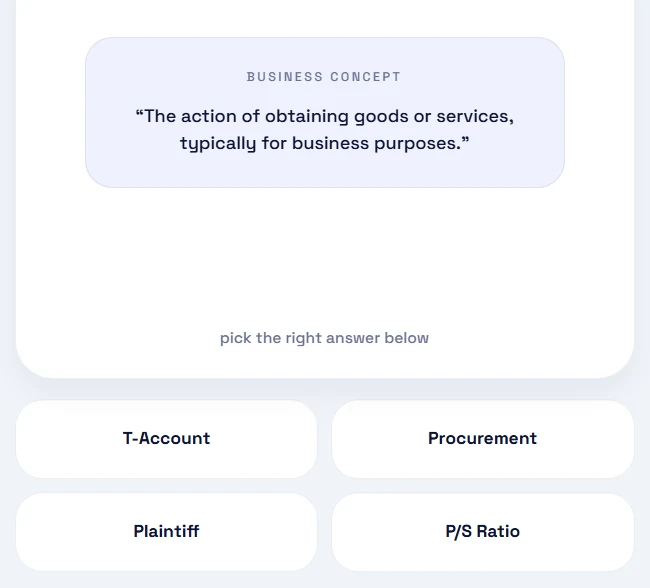
Pick the term that matches a definition, from four options.
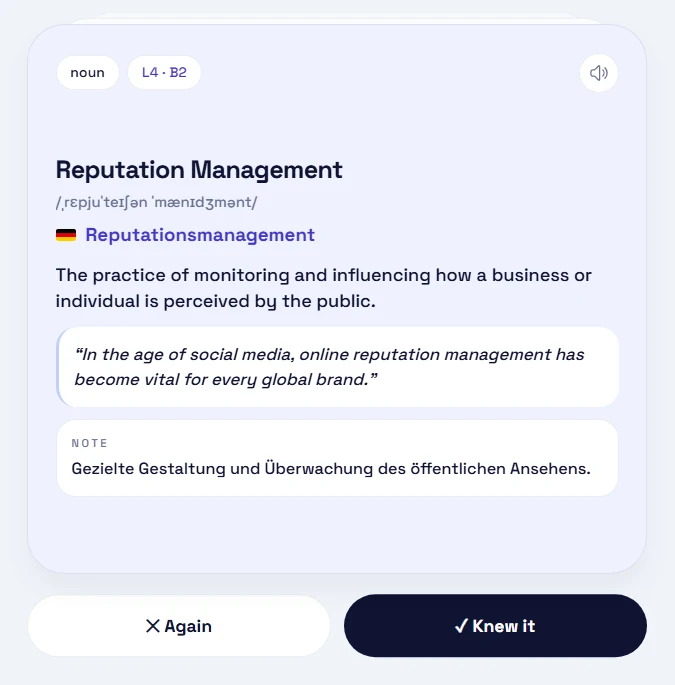
Every card works like this. Read the term, flip it, check the translation in your language.
PUBLIC RELATIONS
Reputation Management
tap to flip
Click the card or press space
BizVoc is a flashcard app for business English that runs in your browser. Each card pairs an English term with its equivalent in German, French, Spanish or Italian. A session is twenty cards by default, about five minutes.
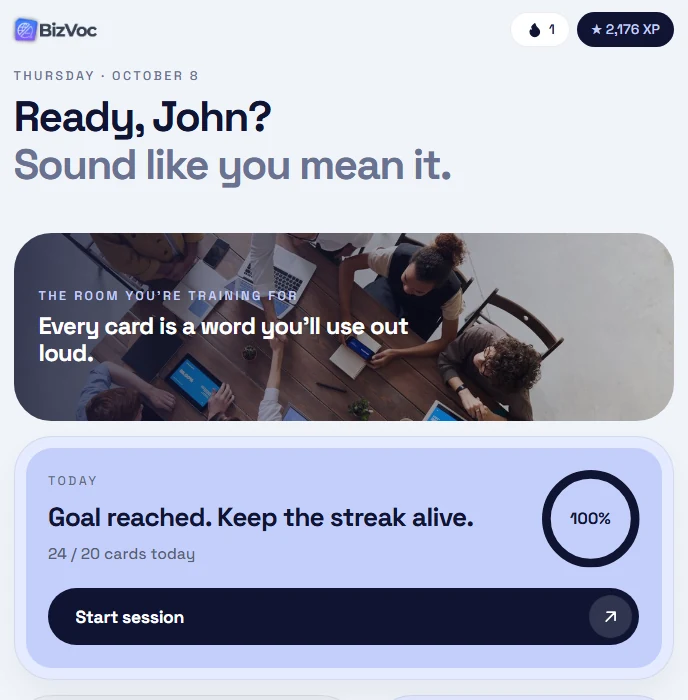
The home screen shows your daily goal: 10, 20 or 40 cards. New words and words due for review are mixed into one session.
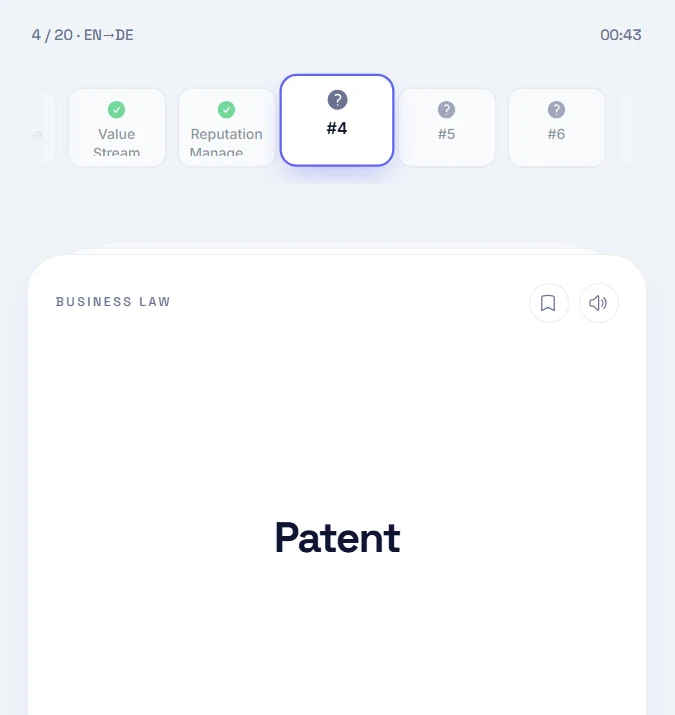
The front shows only the term, its field, and a speaker button. The strip above tracks where you are in the session.
The back has the pronunciation, the translation, a definition, an example and a usage note. Swipe right if you knew it, left if you didn't.
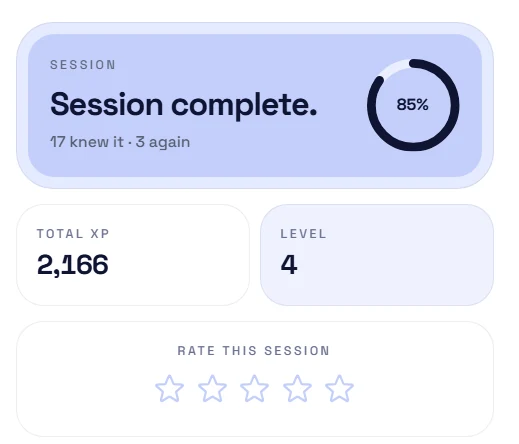
At the end you see what you knew, what you missed, and the XP you earned.
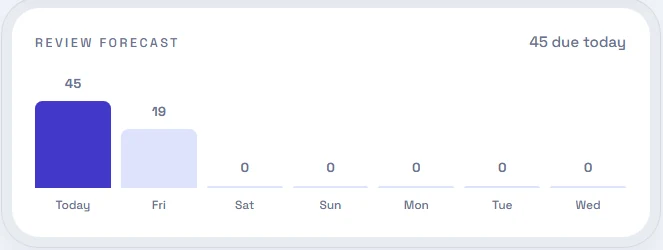
Every answer reschedules the card. The forecast shows how many cards are due on each day of the coming week.
Each card sits on one of nine steps. Knew it: one step up. Missed it: two steps back.
From the 30-day step on, a card counts as mastered.
Why spaced repetition works →Pick the term that matches a definition, from four options.
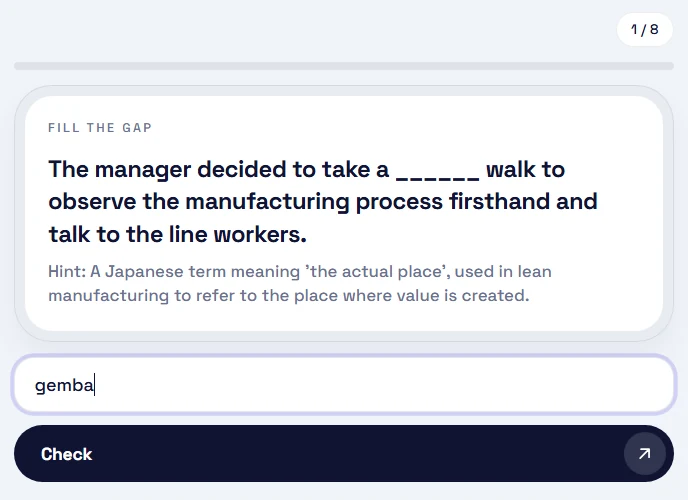
Complete a real sentence with the missing term.
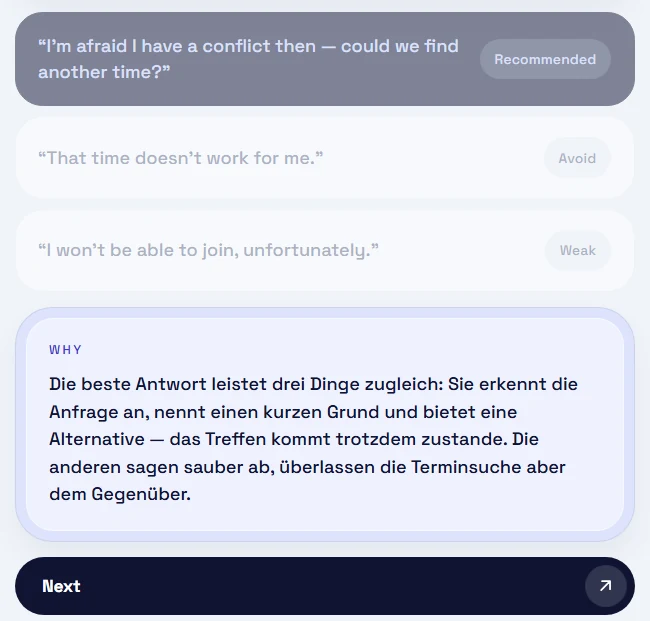
Pick the most professional phrasing, then read why in your language.
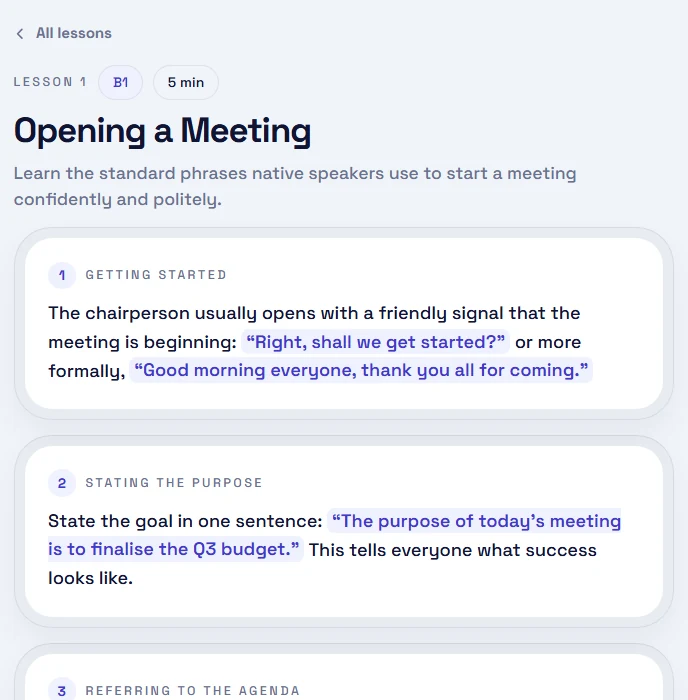
Short reads on meetings, email, negotiation and more, each with a quiz.
Spell a term from its definition, or pick the one you heard.
Every mode feeds the same review schedule.
Before a session, choose what to study. The app remembers it.
Any of 15, from Finance to Business Law.
New cards from one level only, A2 to C1.
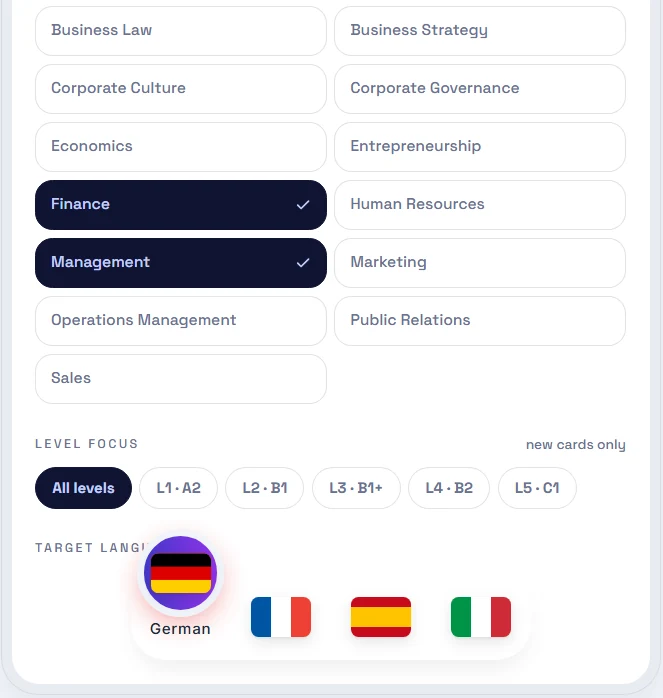
German, French, Spanish or Italian, either direction.
10, 20 or 40 cards a day, set in your profile.
Yes, during the open beta. Every feature is unlocked, including the full vocabulary, saved words, the leaderboard and the detailed statistics. You only need a free account.
No. BizVoc runs in the browser at app.bizvoc.com, on a phone or a computer. With an account, your progress syncs across every device you sign in on.
English paired with German, French, Spanish or Italian. You pick one pair at a time, in either direction, so English to German and German to English are both available. That gives eight directions in total.
The website's vocabulary pages are a free reference: you look a term up and read it. The app uses the same terms, but turns them into cards that come back for review on a schedule, and tests you with quizzes, typing, listening and gap-fill drills.
The app is built for people who already work in English. Terms are tagged from L1 (about A2) to L5 (about C1), and you can choose to see new cards from one level only.
A default session is 20 cards, which takes about five minutes. You set a daily goal of 10, 20 or 40 cards.
We'd like to use Microsoft Clarity to see how BizVoc is used — which pages work and which confuse. It records your session and sets cookies. Optional, and you can say no. Privacy Policy